If you are facing issue while subscription login in Book Keeper Android and message appears as shown below "Please provide necessary permissions to proceed further"
You need to provide permissions to Book Keeper. Please follow below steps to solve this issue:
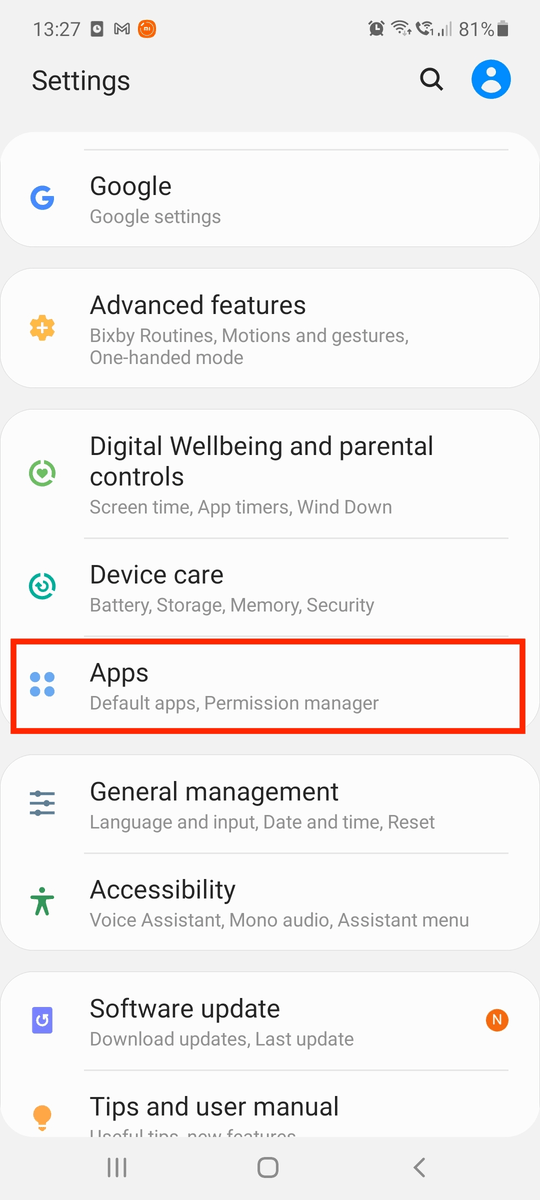
1. Go to Phone Settings > Apps or Application Manager
2. Select Book Keeper > go to Permissions
3. You will see, some of the permissions are not given, allow those permissions. Especially Storage permission.
Once you have given all permissions, restart Book Keeper and try to login again. Your issue will be solved.
Please check below video for step by step guide.
Was this article helpful?
That’s Great!
Thank you for your feedback
Sorry! We couldn't be helpful
Thank you for your feedback
Feedback sent
We appreciate your effort and will try to fix the article